

Reduces Alert Fatigue
Filter out non-critical alerts during maintenance windows, off-hours, or low-impact periods to keep your team focused on what matters
Filter out non-critical alerts during maintenance windows, off-hours, or low-impact periods to keep your team focused on what matters

Surfaces only the most important alerts, ensuring faster response to real issues.

Automatically adjust alert behavior based on business hours, deployment status, active incidents, and system load patterns
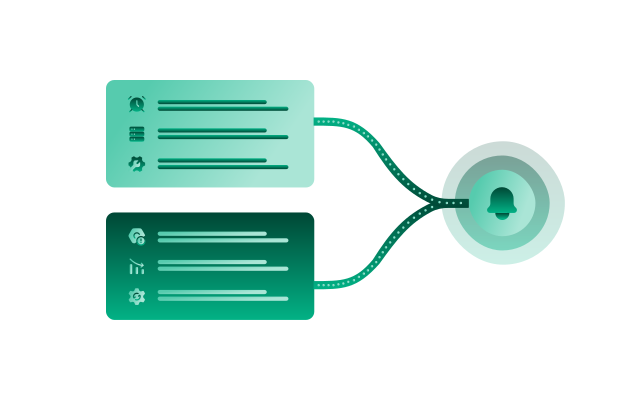
Combines static rules (business hours, service tiers, maintenance windows) with dynamic analysis (current incidents, system load, deployment status)

Bubobot analyzes alert patterns and proactively suggests silencing rules to optimize your notification strategy
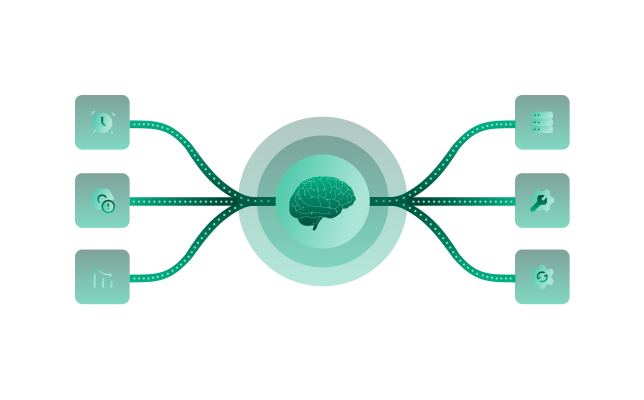
Evaluates alerts across 10+ dimensions including temporal patterns, incident frequency, service criticality, and user impact before determining notification priority
Smart Silencing evaluates each alert against your configured rules (business hours, service tiers, maintenance windows) and dynamic contexts (active incidents, deployment status, system load). Alerts are only silenced when multiple conditions indicate low urgency or expected behavior.
No. Critical service alerts, production environment issues, and high-severity incidents bypass silencing rules. You configure service criticality tiers to ensure important alerts always reach your team regardless of other silencing conditions.
Yes. Bubobot analyzes your alert patterns and suggests rules based on recurring low-priority alerts, auto-resolved incidents, and historical alert handling patterns. You review and approve all suggestions before they're applied.